It's design,not discipline.
Your phone was engineered to hold your attention. Eclipse quietly takes it back — scheduled app limits and automatic grayscale, running on their own.
iOS 16 or later · No willpower required
You'll spend nearly nine years of your life looking at a screen.
The best tool to fight against big tech.
Eclipse limits the dopamine your brain releases on your phone, and blocks the apps that won't give it a rest.
Your home screen,
in black and white.
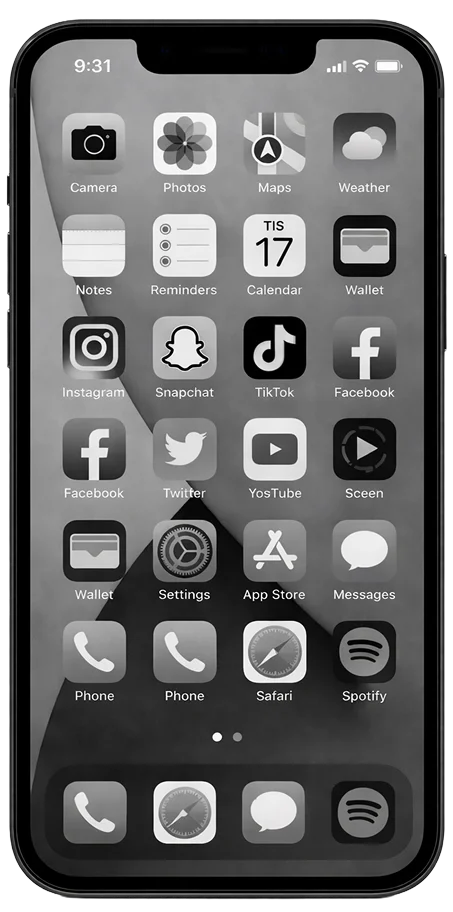
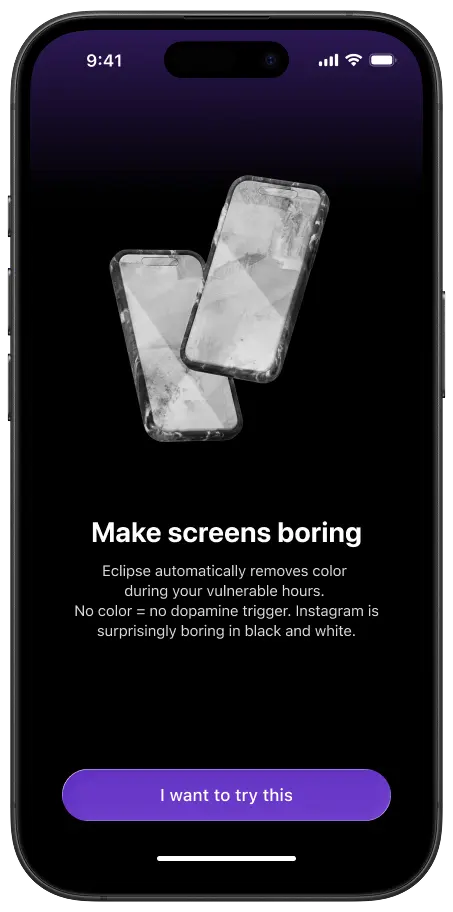
During your focus hours, Eclipse drains the color from your phone. No color, no dopamine trigger. Instagram is shockingly boring in grayscale.
Block the apps
that won't quit.
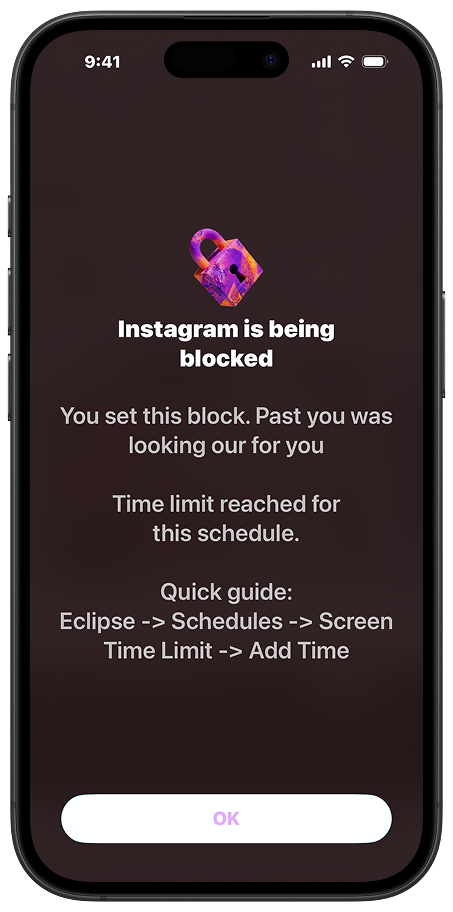
Pick the windows that matter — mornings, deep work, the hours before bed. The apps that pull hardest go dark on schedule. No daily decision required.
A breath,
not a brick wall.
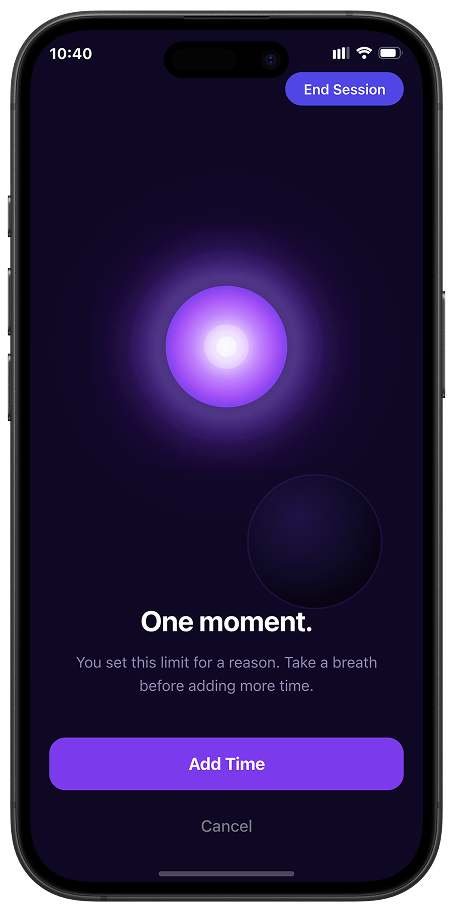
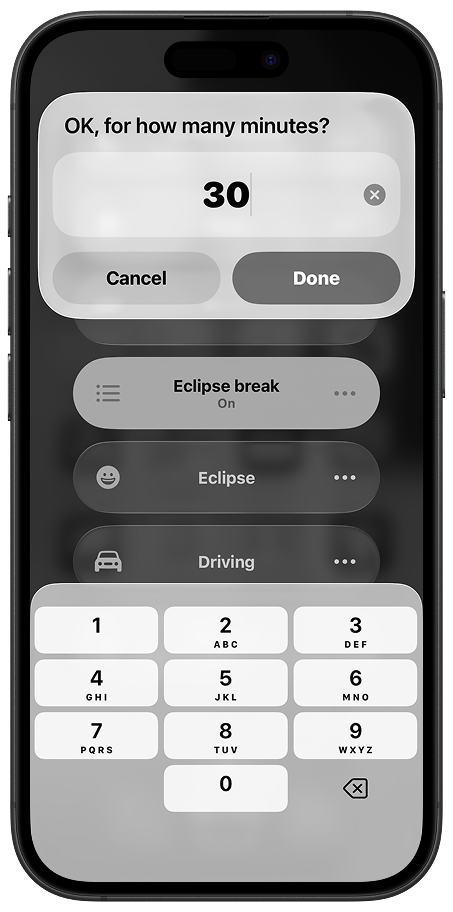
Step out of grayscale or add time to blocked apps. A break is always there when you need it.
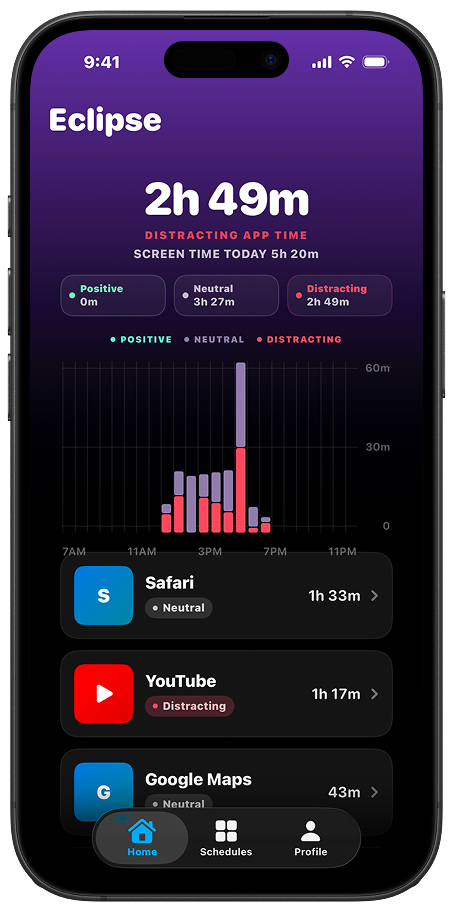
See the pattern,
not the shame.
Skip the guilt-trip dashboards. Eclipse shows you when your focus tends to break — context you can actually use, instead of a number that just makes you feel bad.
Most apps fight your behavior. Eclipse changes how it feels.
Color is a reward amplifier — vivid thumbnails, red notifications, endless contrast. Strip it out during your focus hours and scrolling stops feeling like a treat. You're not fighting the phone anymore. The phone just stopped competing.
That's the difference between willpower and environment design.
A calmer phone —
not a stricter one.
This is for you if
- You want to use your apps — just not have them using you
- You keep turning your own Screen Time limits off
- You don't want to punish yourself — you want the pull to feel weaker
- You want calm without feeling like you're being managed
Probably not, if
- You want a hard app blocker with unbreakable locks
- You prefer setting limits by hand each day
- You want your phone to feel like a productivity dashboard
- You're looking for parental controls or family management tools
The questions
worth asking.
Make your phone
boring.
Set it once. Get your evenings back. The first week is on us.